Docker does that?! Five Docker capabilities in one morning - WeAreDevelopers NA 2026
Ask a developer what Docker is for and you still get "it packages my app." That answer was complete five years ago. Here is one morning with one app, and five Docker capabilities most people have not tried yet: Gordon, Testcontainers, Scout, Hardened Images, and Sandboxes.

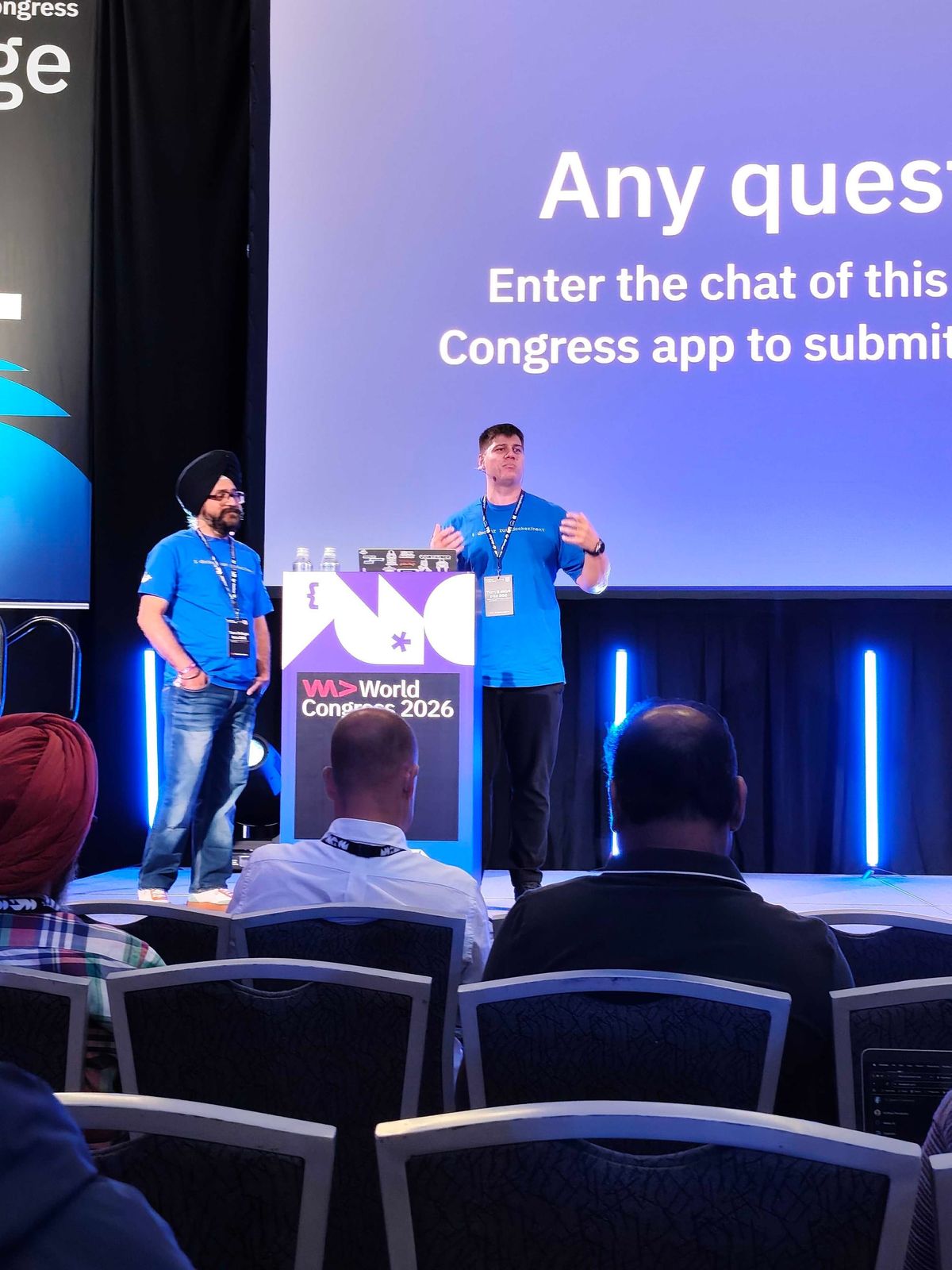
Docker Captain Kristiyan Velkov and I gave a talk called "Docker does that?!" to a room of 400-500+ developers at WeAreDevelopers World Congress North America in San Jose.
The title came from a sentence we both keep hearing. I say something at a booth or after a session, someone pauses, and then: "wait, Docker does that?" Not because the feature is hidden. Because most of us formed our mental model of Docker years ago and never updated it.
Ask a developer what Docker is for and you still get some version of "it packages my app so it runs the same everywhere." That answer was complete about five years ago. It is no longer the whole picture. Docker today has an AI assistant that reasons about your project, a sandbox that boxes in coding agents, base images that arrive patched, and a policy engine for your own images.
So rather than walk a feature list, we walked a morning.
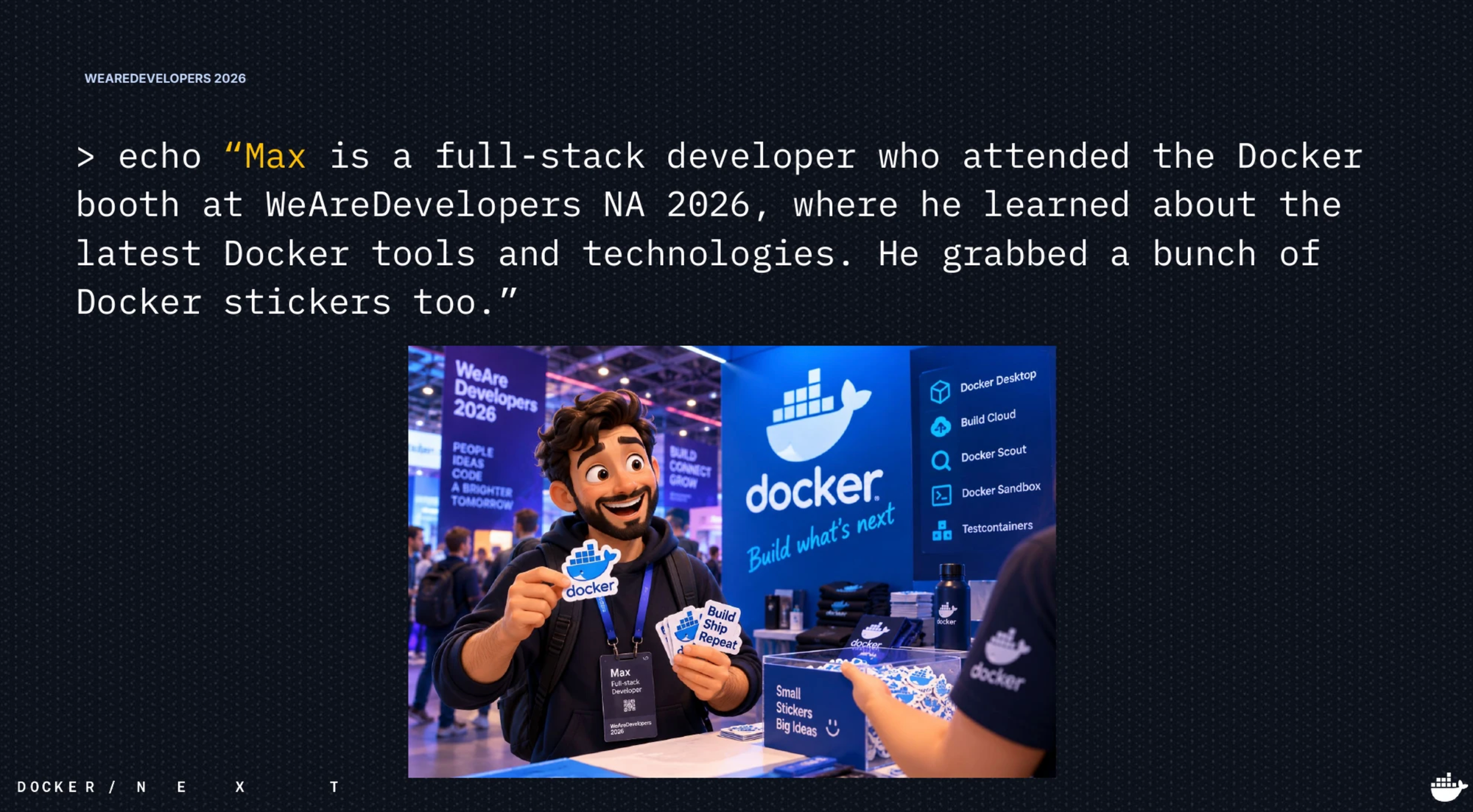
The setup: meet Max
The whole talk runs on one app and one person.
Max is a developer. It is 09:00. His task for the morning is to containerize the Product Catalog, a Node.js and Express service backing an online store. It does not stand alone. It talks to Postgres for product data, Kafka for update events, and S3 for product images, with LocalStack standing in for S3 in development. There is a downstream inventory service too, mocked in dev.
Max lists the repo and finds source only. No Dockerfile. No compose.yaml.
Five capabilities, one app, one morning. Here is how it went.
09:00 ~ Gordon writes the Dockerfile
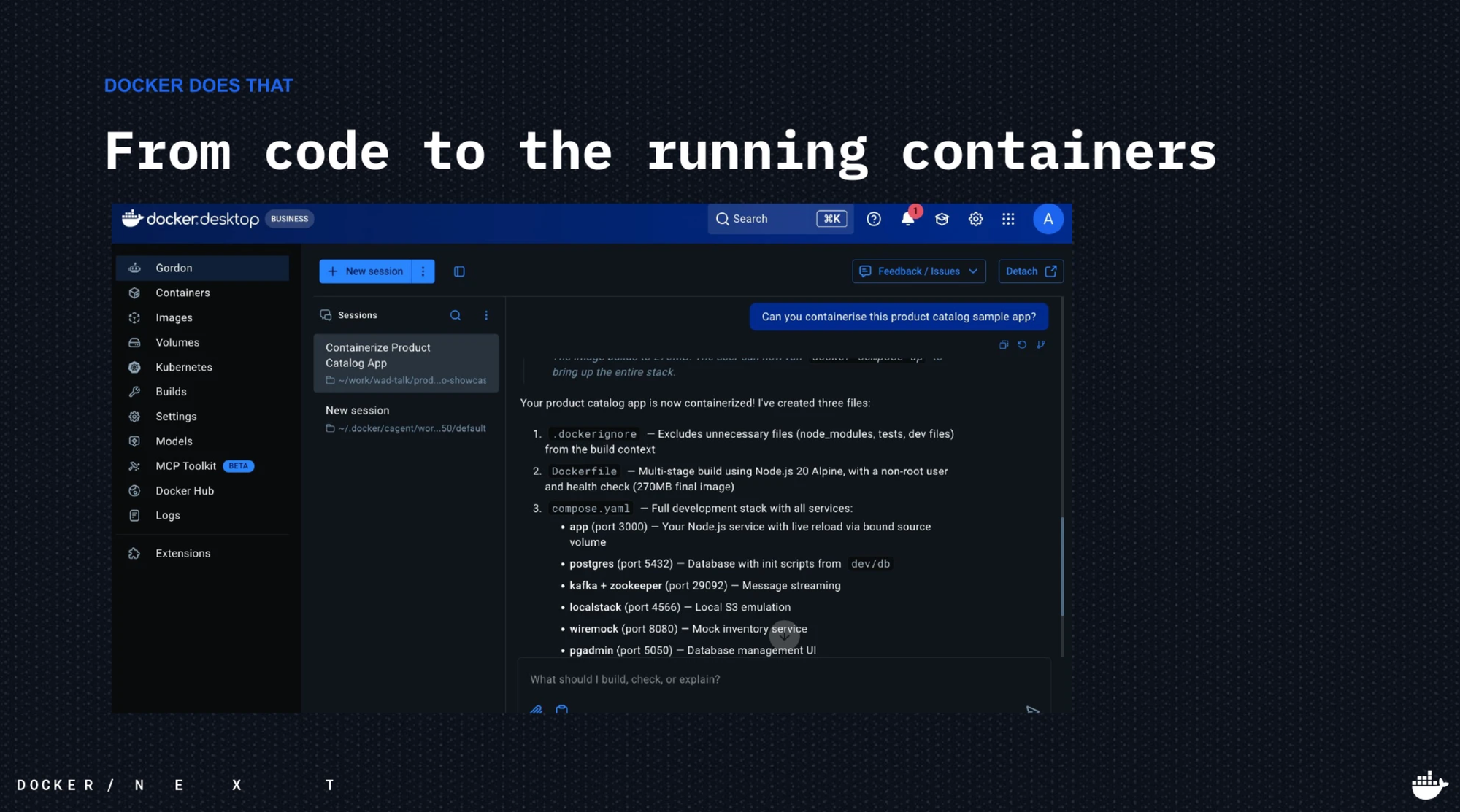
A generic coding agent will happily guess at a Dockerfile and hand you a bloated, single-stage image running as root. So instead of a generic agent, Max asks the assistant that actually knows Docker.
docker ai "containerize this product catalog sample app"Gordon inspects the repo, recognizes the Node.js service and its dependencies, and scaffolds three things: a .dockerignore, a genuinely multi-stage Dockerfile that runs as a non-root node user, and a compose.yaml wiring up Postgres, Kafka, and LocalStack.
Then you run it, because you should never take an agent's word for it:
docker compose up
curl localhost:3000/products
Real JSON comes back. The app Max started the morning with is now running in a container.
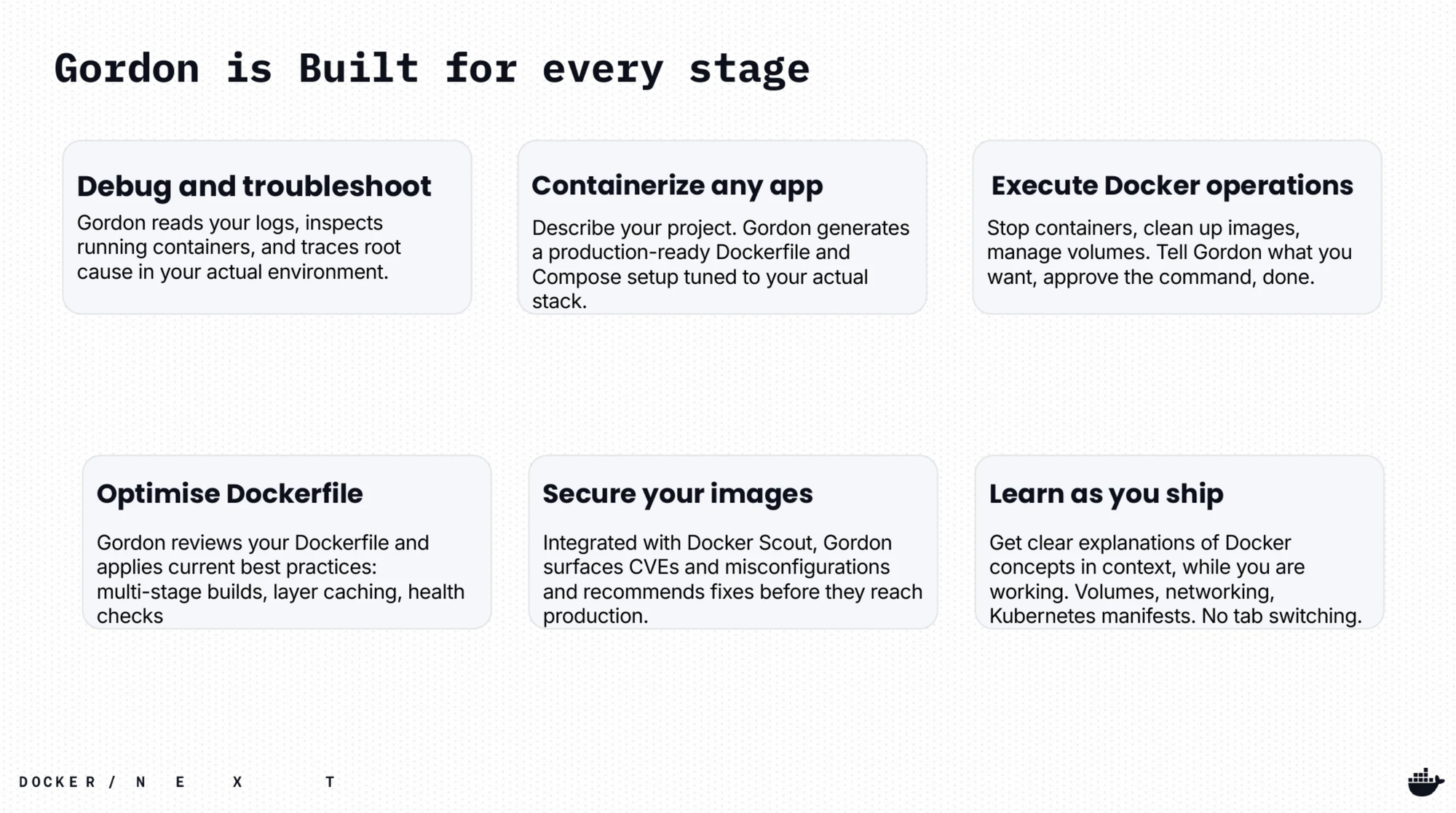
Docker does that?! The assistant is already in Docker Desktop and the docker CLI. It reasons about your project, not a generic template.
09:45 ~ Testcontainers puts a real database in the tests
The feature works. Now it needs tests, and the tests need Postgres.
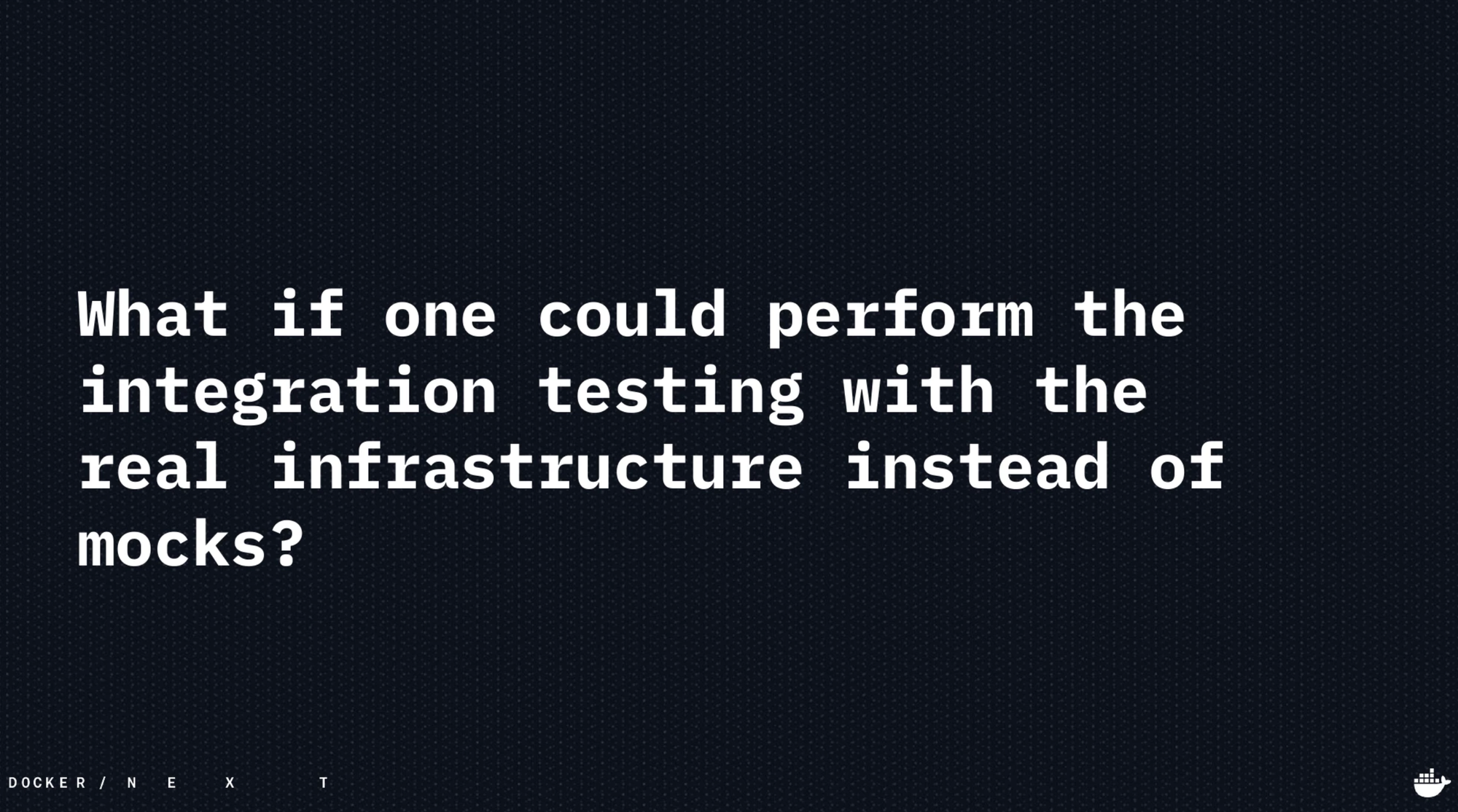
The two usual options both hurt. Mocks drift away from the real engine, so you get green tests and broken production. Shared test databases are contended and unreliable, which is where "it works after I re-seed" comes from.
Testcontainers takes the third option, the one everybody wanted but nobody could afford: start a real dependency as a container from inside the test suite. It boots before your tests, your code connects to it, and it is torn down when the run ends.
go test ./...A real postgres:17-alpine container starts, the tests run against it, and the container is terminated when the test finishes. No compose file to remember, no cleanup step to forget.
Docker does that?! Real dependencies, isolated per run, no shared infrastructure to fight over. Libraries exist for Java, Go, Python, Node.js, .NET, and Rust. It is a first-party Docker project now.
10:30 ~ Scout answers "what is actually in this image?"
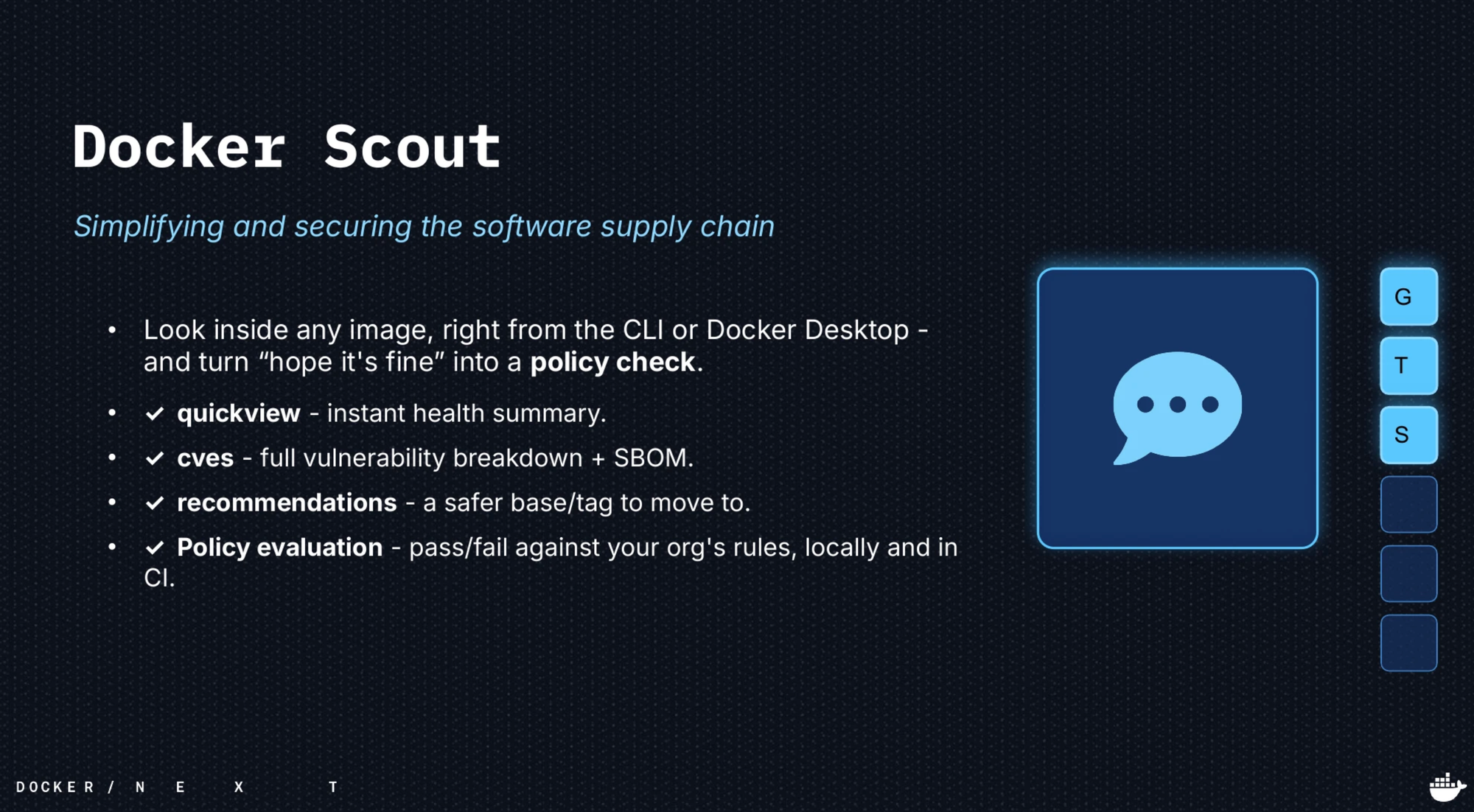
Before Max pushes, one honest question: what is in this image, and is it allowed to ship? An image is layers of software from a lot of sources, and most teams find out what is inside after it ships.
docker scout quickview my-app:latest
docker scout cves my-app:latest
docker scout recommendations my-app:latest
quickview is the instant health summary. cves gives the full vulnerability breakdown plus an SBOM. recommendations suggests a safer base to move to.
Then the part that changes the conversation:
docker scout policy my-app:latestThat is a pass or fail against your organization's rules, the same check you would run in CI. In the demo it fails, on two high vulnerabilities inherited from the base image. Not Max's code. The base.
Docker does that?! You know exactly what you ship, and you can block it on policy before it ever leaves your laptop.
11:15 ~ Hardened Images take you off the patch treadmill
Scout just failed on CVEs Max did not introduce. They came from FROM node:20, which drags in a shell, a package manager, and hundreds of packages he will never call but now has to patch. That is the patch treadmill, and most teams have been running on it for years.
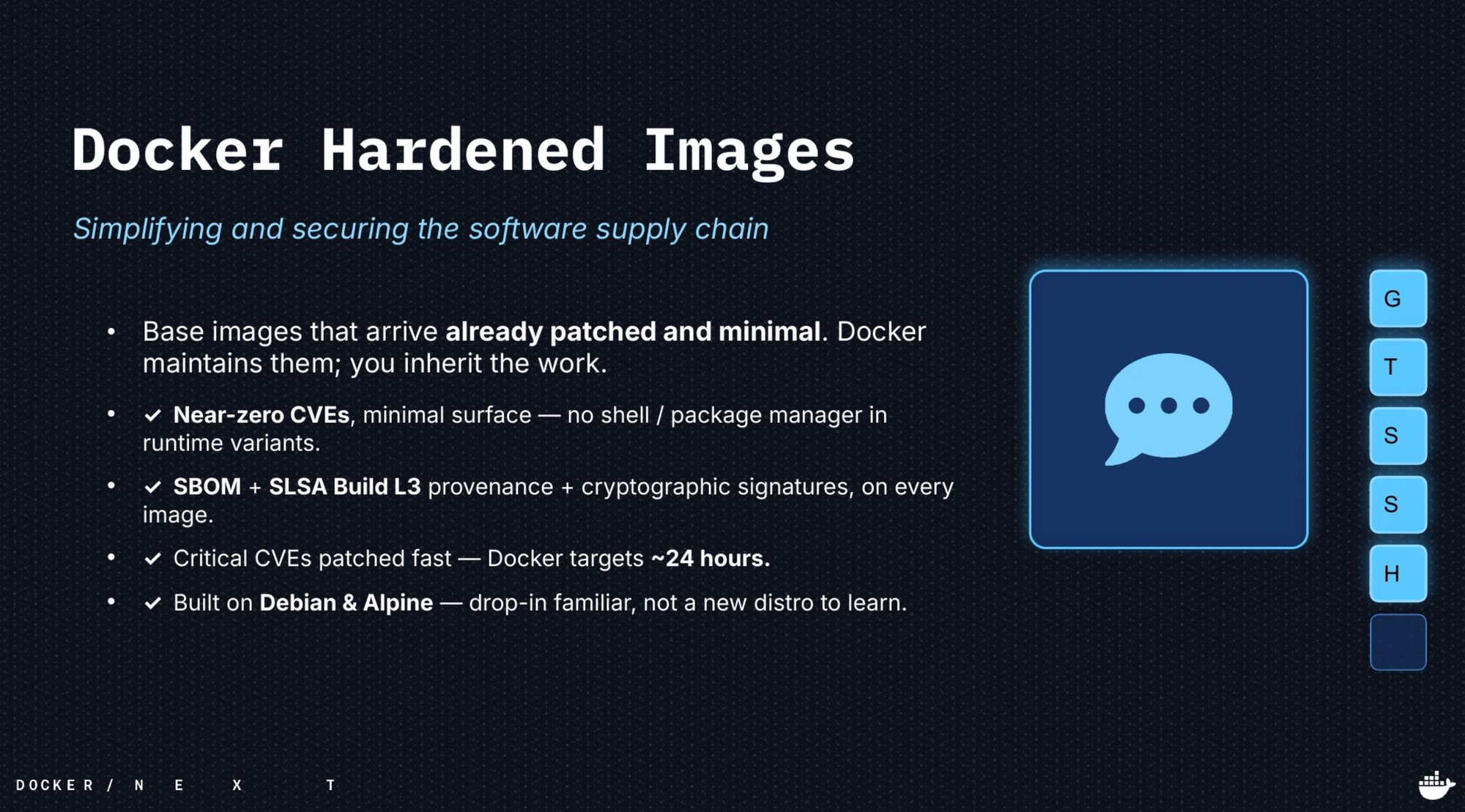
Docker Hardened Images arrive already patched and minimal. Docker maintains them, you inherit the work:
- Near-zero CVEs and a minimal surface, with no shell or package manager in the runtime variants
- SBOM, SLSA Build L3 provenance, and cryptographic signatures on every image
- Critical CVEs patched fast, with Docker targeting roughly 24 hours
- Free and open under Apache 2.0, 1,000+ images, built on Debian and Alpine
Adoption is usually one line.
sed -i 's|node:20|dhi.io/node:20|' Dockerfile
docker build -t my-app:latest .
docker scout quickview my-app:latest
The same Scout command that failed the policy a few minutes earlier now passes.
Docker does that?! Your base image arrives pre-patched. The CVE treadmill becomes someone else's job.
12:00 ~ Sandboxes box the agent in, then hand it signed tools
Last task before lunch. Max lets an autonomous coding agent loose on the repo.
That agent has exactly the same permissions he does. It can read every file on the disk, use his SSH keys and cloud tokens, reach the whole network, and run anything, including an npm install that pulls a poisoned package.
A plain container shares the host kernel. That is a fence, not a wall. For an agent running unattended you want a real boundary.
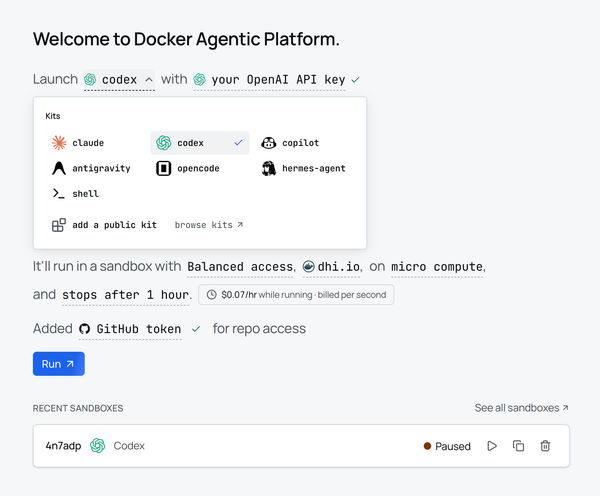
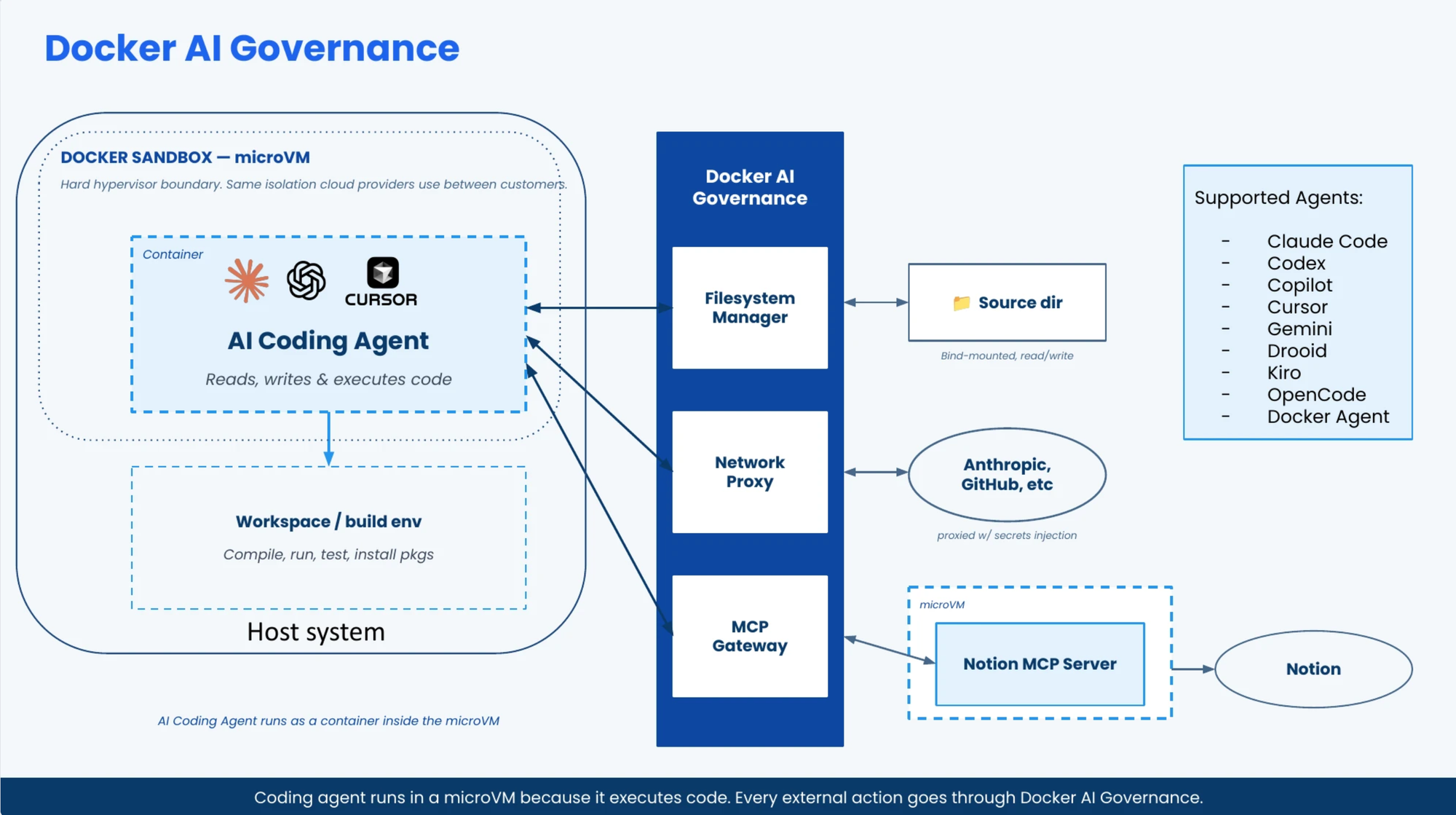
Docker Sandboxes, the sbx CLI, runs the agent inside a lightweight microVM. The agent still gets full permissions, but inside the box: its own Docker daemon, its own network, and a read-only view of your host. Your filesystem is mounted read-only, the network is deny by default with an allow-list, and your credentials stay in the OS keychain so nothing is written into the VM. A prompt-injected agent cannot reach your host daemon or your credentials, because from inside the sandbox they are not there.
brew trust docker/tap
brew install docker/tap/sbx
sbx daemon start -d
Here is the part the room did not see coming. The boundary is only half the story. The agent still has to choose things, like which base image to build on. So you box it in, then point it at signed tools.
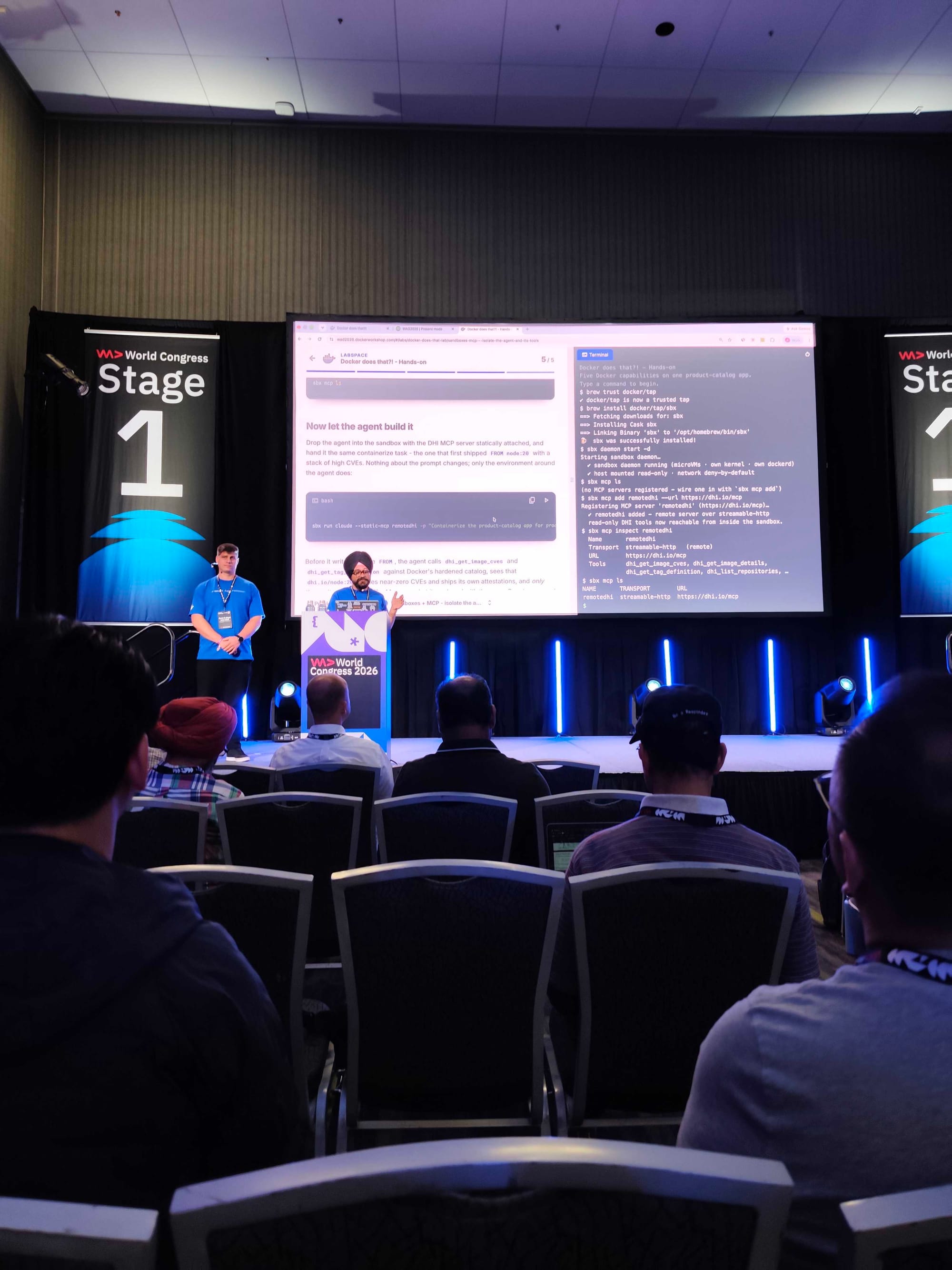
Docker hosts the DHI MCP server at https://dhi.io/mcp, a remote server the agent can query to pick hardened base images. You register it with the sandbox, and sbx governs it with a Cedar policy over three actions: register a server, invokeTool on it, and invokePrimordial. In production you scope invokeTool to the read-only tools and deny the mutating ones, so a prompt-injected agent can read the hardened catalog but never rewrite it.
sbx mcp add remotedhi --url https://dhi.io/mcp
sbx mcp inspect remotedhi
sbx run claude --static-mcp remotedhi -p "Containerize the product-catalog app for production. Choose a hardened base image, keep the final image shell-free, and attach an SBOM."
Before it writes a single FROM, the agent calls dhi_get_image_cves and dhi_get_tag_definition against Docker's hardened catalog, sees that dhi.io/node:20 carries near-zero CVEs and ships its own attestations, and only then writes the Dockerfile.
Same hardened base Max reached by hand twenty minutes earlier. Except the agent got there on its own, unattended, inside a box it could not escape, from signed catalog data it could not forge.
The fast path it took by itself is the hardened one. That is the line we most wanted the room to leave with.
And once you have wired it up by hand, one file replaces all of it:
schemaVersion: "1"
name: catalog-sandbox
agent: claude

workspace:
  path: product-catalog
  clone: true

sandboxOptions:
  profile: dhi-readonly

mcp:
  servers:
    - name: remotedhi
      url: https://dhi.io/mcp
sbx env runA teammate or a CI job recreates the identical box from a file committed to the repo.
Docker does that?! Box the agent in, and govern what it can call. A boundary so a bad agent cannot reach your host, and a signed tool so a good agent checks a base image's CVEs before it commits to it.
Try the whole thing yourself
Everything in the talk is free to use, and most of it is already installed as part of the Docker setup you have.
The slides and the full hands-on lab run in your browser with no setup at all:
https://wad2026.dockerworkshop.com/
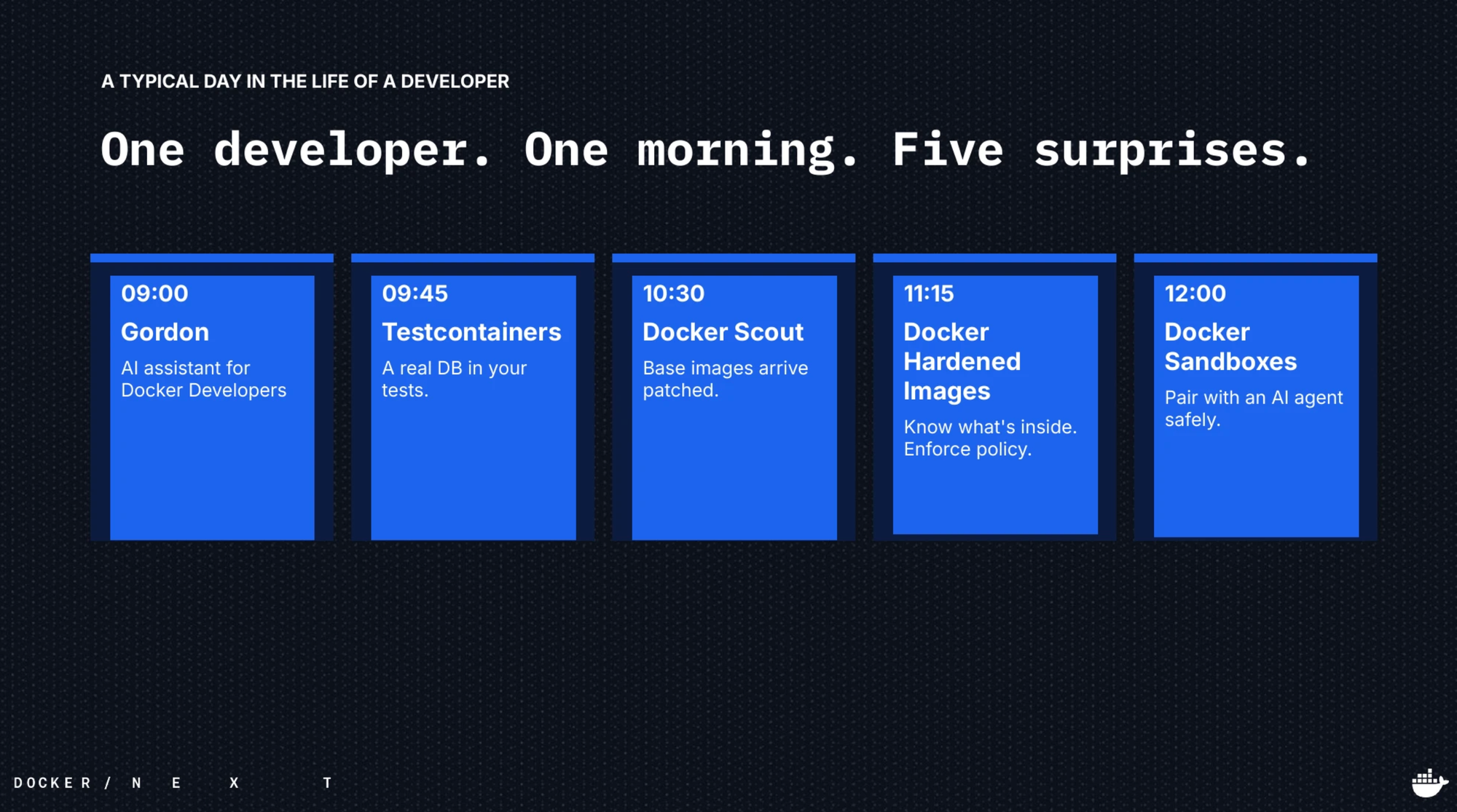
It is about 30 minutes for the lab, and it is the same product catalog app, the same five steps, the same morning. Gordon writes the Dockerfile, Testcontainers gives you a real Postgres, Scout tells you what is inside, Hardened Images take the CVEs away, and sbx boxes in the agent that does it all again on its own.
Five capabilities, one app, one morning, before lunch. 🐳
If you work through it and get stuck, or you want this talk at your meetup or company, come find either of us. I am @ajeetsraina and I hang around the Collabnix community most days. Thanks to Kristiyan for co-driving this one.